
AI toolchain orchestration starts with clear jobs, defined inputs and an inspectable output. This n8n example creates three task briefs and a review queue without contacting an AI service, paying for API calls or publishing anything. It gives a small team a working starting point before connecting a model.
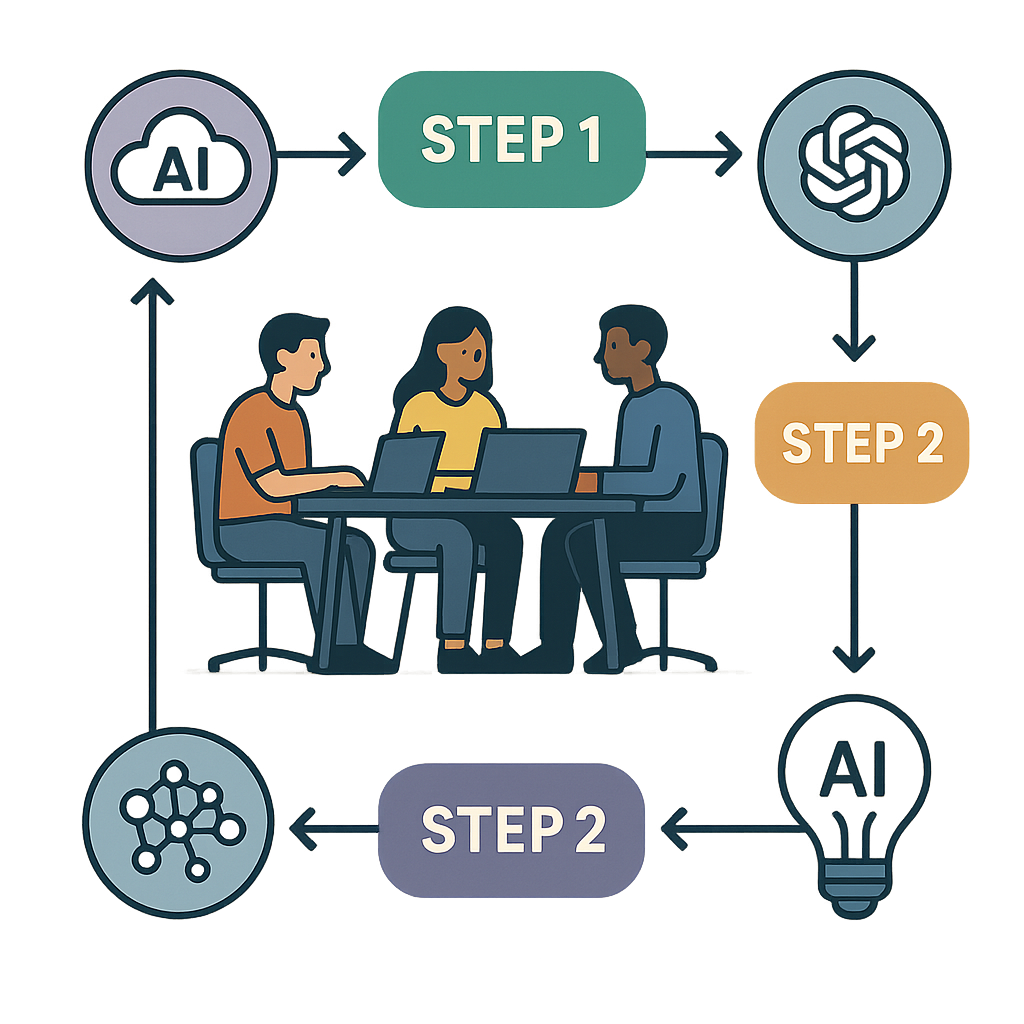
What this AI toolchain orchestration example does
| Node | Input | Output |
|---|---|---|
| Manual start | Your click | Starts the example |
| Create sample jobs | Three task definitions | Three items with IDs, prompts and status |
| Prepare review queue | The three items | The same items plus review checks |
The tasks are a changelog summary, customer FAQ and list of unresolved questions. Their evidence fields deliberately contain placeholders. The output says needs_source and publication_allowed: false; these are descriptive fields in a learning example, not a connection to WordPress or a production approval system.
Download the free n8n example
Download the no-API orchestration workflow (JSON). This is the same three-node example shown below. The file contains no credentials, network requests, schedule or AI node. Import it into a new workflow and keep it inactive while inspecting the nodes.
Prerequisites and import
You need an n8n workspace where you can create workflows. No credentials, extra packages or community nodes are needed. Save the JSON below as orchestration-example.json. In a new empty workflow, open the workflow menu and choose Import from File. The official import documentation describes this process.
Import into an empty workflow so you can see exactly which nodes will run. The workflow has only a manual trigger and two Code nodes. It contains no network request, schedule, payment or publishing node.
Copy the complete workflow
{
  "name": "Clear Guide Hub - Orchestration learning example (no AI calls)",
  "nodes": [
    {
      "id": "38e470f2-04b9-4c69-bd15-6d49b71b30cb",
      "name": "Manual start",
      "type": "n8n-nodes-base.manualTrigger",
      "typeVersion": 1,
      "position": [
        0,
        300
      ],
      "parameters": {}
    },
    {
      "id": "4471e6e2-62f7-4679-90a3-bcbb0f374aae",
      "name": "Create sample jobs",
      "type": "n8n-nodes-base.code",
      "typeVersion": 2,
      "position": [
        240,
        300
      ],
      "parameters": {
        "jsCode": "const tasks=[\n{task:'Summarize a product changelog',source:'Paste the official release notes here',limit:120},\n{task:'Draft a customer FAQ',source:'Paste approved support facts here',limit:180},\n{task:'List unresolved questions',source:'Paste the same evidence here',limit:100}\n];\nreturn tasks.map((t,i)=>({json:{job_id:'demo-'+(i+1),task:t.task,prompt:'Use only this evidence. State unknowns; do not invent facts. Task: '+t.task+'. Maximum words: '+t.limit+'. Evidence: '+t.source,status:'needs_source',publication_allowed:false}}));"
      }
    },
    {
      "id": "55e5dd94-37a2-41af-b4f7-20c8b44937ee",
      "name": "Prepare review queue",
      "type": "n8n-nodes-base.code",
      "typeVersion": 2,
      "position": [
        480,
        300
      ],
      "parameters": {
        "jsCode": "return $input.all().map(item=>({json:{...item.json,review_checklist:['Replace placeholder with approved source text','Check each factual claim against that source','Remove sensitive customer data before any model request','Approve publication separately']}}));"
      }
    }
  ],
  "connections": {
    "Manual start": {
      "main": [
        [
          {
            "node": "Create sample jobs",
            "type": "main",
            "index": 0
          }
        ]
      ]
    },
    "Create sample jobs": {
      "main": [
        [
          {
            "node": "Prepare review queue",
            "type": "main",
            "index": 0
          }
        ]
      ]
    }
  },
  "settings": {
    "executionOrder": "v1"
  },
  "active": false,
  "pinData": {}
}
Run it and check the output
- Click Execute workflow.
- Open the output of Prepare review queue.
- Check that there are three items, labelled demo-1, demo-2 and demo-3.
- Inspect each prompt and its evidence placeholder.
- Confirm that each item still requires a source and has four review checks.
Execution check, October 8, 2026: We imported and ran these three nodes in n8n. The run succeeded and returned the three expected items. This verifies the example’s data flow only. We did not run a language model, measure writing accuracy or test a connection to a publishing system.
Adapt the jobs to your team
In Create sample jobs, replace the task definitions and placeholder source strings with approved, non-sensitive evidence. Keep a stable job ID so you can identify a failed or repeated task later. Start with one real job and inspect its output before increasing the batch size.
The Code nodes use JavaScript and the all-items execution mode. n8n documents the Code node and its item data structure. This example wraps every output in a json object so the next node receives a consistent shape.
Choose the next part of your workflow
Keep the preparation example small, then add one documented integration at a time. For a concrete source-and-destination exercise, follow our Gmail to Google Sheets receipt log. To define which messages should enter that log, start with Gmail filters for receipts and invoices. These guides keep the message selection separate from storage.
Before scheduling a real workflow, add an n8n error workflow with a stable event key. An error log and a task queue solve different problems: a job ID identifies intended work; an execution ID identifies a run. Keep both when connecting a production system.
| Stage | What to inspect | What success does not prove |
|---|---|---|
| Prepare | Three job records, prompts, sources and review checks | The placeholder source is real evidence |
| Connect a source | The exact item shape returned by one test input | Every future source uses the same field names |
| Call a model, if needed | Usage, bounded inputs, returned text and references | The answer is factually correct |
| Write an output | Stable target key and readback of the saved record | A retry cannot create a duplicate |
Before connecting an AI model
Decide which provider should receive the evidence and whether that evidence can be shared with it. Add a model request only after setting credentials, a spending limit and a failure path. Keep source material and generated output in separate fields so a reviewer can compare them. A successful API response does not establish factual accuracy.
For a real publishing workflow, use a stable source ID to prevent duplicate work, record errors, and keep publishing permissions separate from generation. This demonstration does not implement those production controls and should not be mistaken for a complete publishing service.
Troubleshooting
| Symptom | Check |
|---|---|
| JSON import fails | Copy only the JSON, starting with { and ending with }, without surrounding HTML or prose. |
| Only one item appears | Check that you imported all three nodes and did not replace the array with a single object. |
| The second Code node errors | Use Run Once for All Items; its code reads all incoming items. |
| No article is generated | This is expected: the example prepares jobs and makes no model request. |
Next step: Run the untouched example once, then replace one job with a real source-backed task. Inspect the three output records before adding any external integration.
Example check: The two Code-node scripts were also executed locally against the example items on October 12, 2026; they returned three distinct job IDs and four review checks per job. This is a code-and-data check, not a new test of an AI model or external integration.


Pingback: n8n error workflow: capture failed executions safely