Website speed work starts with a measured problem on a specific page. Record the URL, device mode and test conditions, identify the slow part, then change one thing and compare under similar conditions. A high score alone does not prove that a page will rank or that every visitor has a fast experience.
Website speed: choose what to measure
Start with one useful landing page and one article. Use a public URL that does not reveal account or private information. Keep a backup or a staging copy before changing a live theme, cache or plugin.
Google’s Core Web Vitals documentation distinguishes loading performance, responsiveness and visual stability. LCP measures when the largest relevant visible content is rendered; INP concerns interactions; CLS concerns unexpected layout movement. A slow initial load and a slow button response are different problems.
Record a baseline
- Open PageSpeed Insights for the selected public URL. Record whether the result is for mobile or desktop. Keep field results, when available, separate from the simulated lab test.
- Read the identified problem and relevant element, not just the overall number. The largest visible content might be an image or a text block. The LCP reference explains the metric and available measurement tools.
- Repeat the lab check with the same URL and device mode. Note material differences between runs. Do not present a single favourable run as a representative user measurement.
- Write a hypothesis tied to the evidence: for example, “The reported main image is large, so reducing its delivered size may shorten its load.” Record the current file size and visible quality before changing it.
- Make one reversible change on a safe copy, then repeat the checks. Keep the change only if it helps the intended problem without breaking the page.
A website performance change log
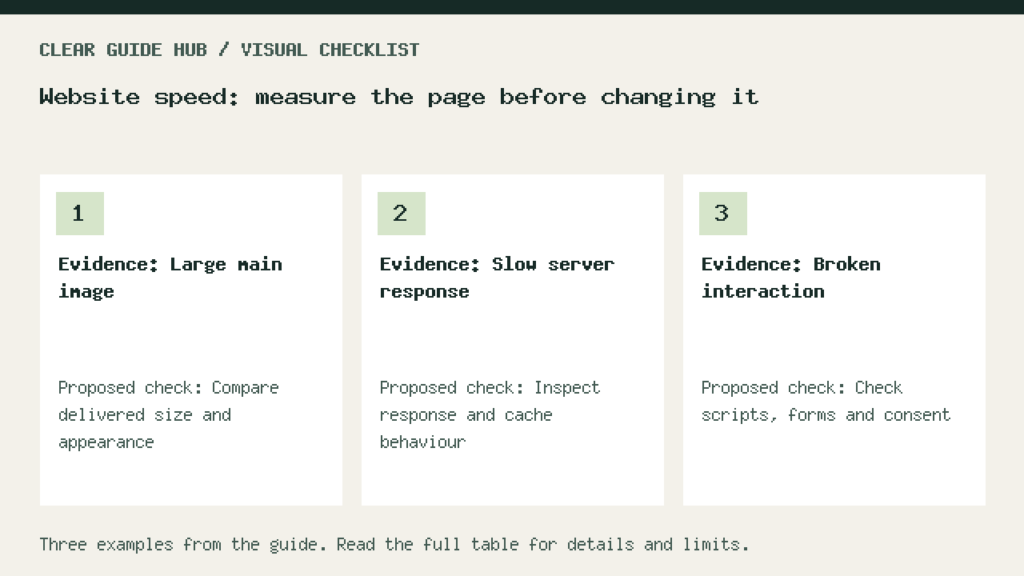
Illustrative worksheet: replace these sample entries with your own checks. These are proposed checks, not measured results.
| Evidence | Proposed check | Keep or revert |
|---|---|---|
| Large main image | Compare delivered size and appearance | Keep only with a useful result |
| Slow server response | Inspect response and cache behaviour | Retest the same public URL |
| Broken interaction | Check scripts, forms and consent | Revert changes that break function |
Choose a fix from the evidence
If an image dominates the report, inspect its dimensions and delivered file size before replacing it. If the server response is slow, investigate hosting and cache behaviour before removing unrelated content. If a button responds slowly, inspect the interaction and scripts involved. These are diagnostic directions, not a claim that every site needs the same setting.
After any cache or script change, test navigation, search, forms and the privacy controls. A page that loads quickly but loses its consent controls or contact form is not an improvement. Keep a clear way to undo the change.
Interpret missing or conflicting data
A low-traffic URL may have insufficient field data. Do not label that as a failed measurement or invent a passing result. A lab run is useful for diagnosis, while field measurements reflect actual users under varied conditions. Record which one you are using.
Search performance also depends on the usefulness and relevance of the page. Speed work does not guarantee indexing or a traffic increase. If your goal is discovery, read our guide to answering search questions clearly alongside the technical checks.
Begin by saving one baseline and writing one testable hypothesis. The worksheet makes the next change reviewable without claiming improvements before they are measured.