If you are deciding between PlayStation and Xbox in 2026, focus on hardware power, controller features, and exclusive interface updates to find the best fit for your gaming needs. This guide examines the key differences using official features and steps, helping you make a confident purchase.
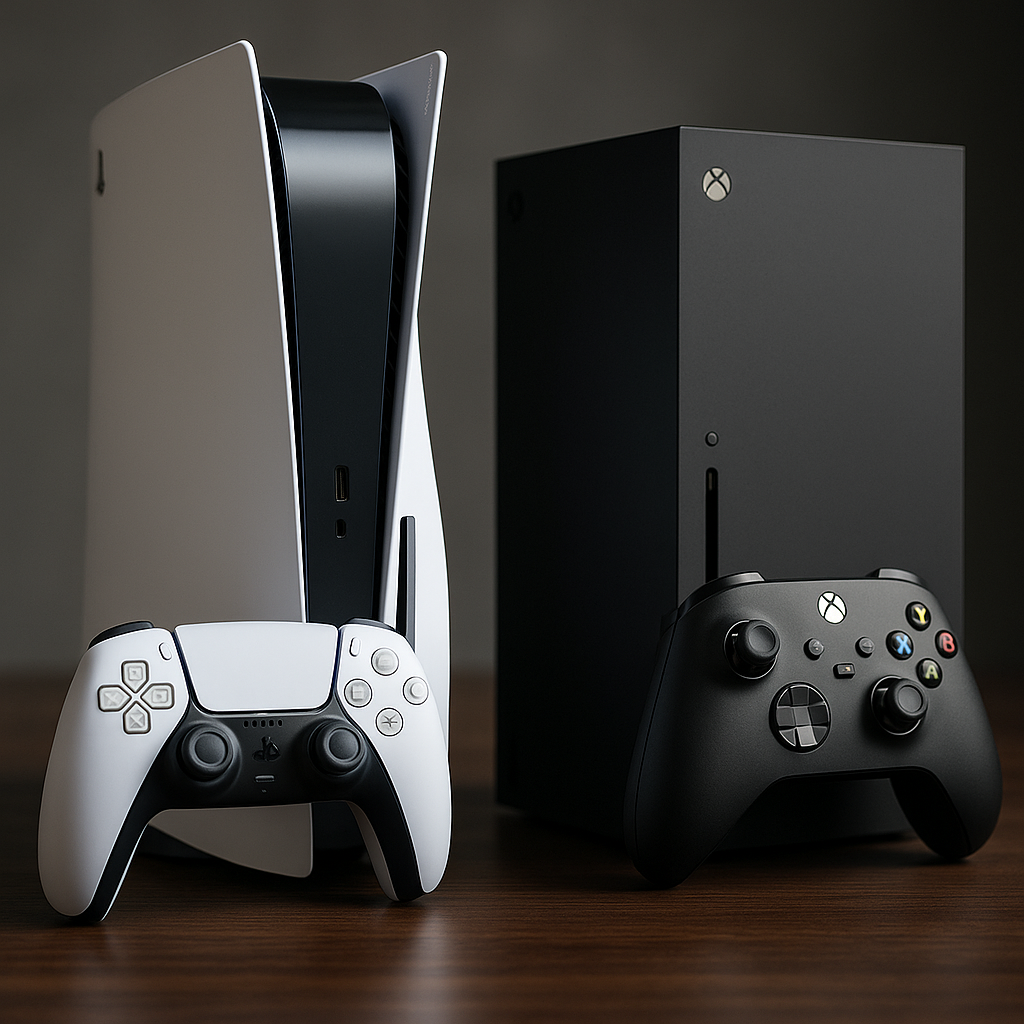
Key Differences: PlayStation vs Xbox
The PlayStation 5 Pro and Xbox Series X represent the flagship consoles from each brand as of 2026. Both offer advanced gaming experiences, but their core features and approaches differ in notable ways.
| Feature | PlayStation 5 Pro | Xbox Series X |
|---|---|---|
| Performance | Enhanced visuals and performance (PlayStation Official) | Fastest, most powerful Xbox ever (Xbox Official) |
| Controllers | DualSense: haptic feedback, adaptive triggers | Standard and Elite controllers; focus on custom mapping |
| Audio | PULSE Elite Wireless Headset with immersive sound | Headset compatibility; spatial sound options |
| User Interface | PlayStation dashboard with game/media tabs | Xbox dashboard: fast access, expanded library filters (Xbox Wire) |
| New Features (2026) | No major 2026 UI update reported | Updated boot-up, Gamerscore badges (Insiders only) |
| Value Option | Base PS5 (less costly, fewer enhancements) | Xbox Series S: best value offering |
Decision Criteria: How to Choose
Your best console depends on a few practical priorities. Consider which features matter most before making your choice:
- Game Library: Consider exclusive titles and which platform your friends use.
- Performance Needs: If you want the highest graphics fidelity, flagship models from both lines are solid, but differences such as the DualSense controller may sway your choice.
- Interface & Updates: Xbox is testing new features like updated boot-up and Gamerscore badges for Insiders (Xbox Wire). PlayStation’s strengths remain in controller feel and audio immersion (PlayStation Official).
- Budget: If price is key, compare Xbox Series S and the base PS5 model.
- Accessory Quality: PlayStation’s PULSE Elite headset offers retractable microphone and immersive sound, whereas Xbox focuses on compatibility and flexible options.
Important Limitations
- Xbox’s new features like tiered Gamerscore badges and boot animation are only available to Xbox Insiders as of October 2026, not all users (Xbox Wire).
- Neither PlayStation nor Xbox publicizes full up-to-date technical specifications on their main sites.
- Performance differences within each brand depend on the exact version and accessories you select.
Controllers and Accessories in 2026
Controller technology is one of the biggest differentiators. The PlayStation DualSense controller provides haptic feedback and adaptive triggers for a more physical sense of in-game actions (PlayStation Official). Xbox maintains its classic layout, but the Elite line allows for in-depth button mapping to suit different play styles.
For audio, the PlayStation PULSE Elite Wireless Headset offers immersive sound with a retractable microphone. Xbox headsets are known for broad compatibility and strong surround-sound options, with varied price points to suit different budgets.
Interface and Feature Updates
The Xbox dashboard is engineered for rapid access to games and expanding entertainment options. In 2026, new features for Insiders include an updated console boot-up animation and tiered Gamerscore badges, plus expanded game library filters. These are gradually rolling out and may become standard (Xbox Wire).
PlayStation does not report a major dashboard update for 2026, but its interface remains organized around efficient switching between games, media, and online social features (PlayStation Official).
Budget Options: Comparing Series S and Base PS5
If cost is your deciding factor, compare the Xbox Series S against the base PS5. Xbox markets Series S as the “best value in gaming.” PlayStation positions its standard PS5 as a balance of performance and affordability. You’ll want to check included storage and accessory support before deciding (Xbox Official).
Illustrative Example: Choosing a Console
Assumptions: A gamer enjoys story-driven exclusives, values tactile controllers, and has a mid-range budget.
- Compares flagship offerings for game selection—PlayStation has more exclusive narrative games.
- Examines controller features—prefers adaptive triggers and haptic feedback (PlayStation DualSense).
- Confirms audio needs—interested in immersive headset experiences (PULSE Elite).
- Budget supports a standard flagship model but not both.
- Decision: Choosing PlayStation 5 Pro for its controller immersion and exclusive titles.
Checklist: What to Compare Before Buying
| Step | What to Check |
|---|---|
| 1 | Exclusive games and friend network on each platform |
| 2 | Performance claims for latest consoles and required accessories |
| 3 | Controller and headset features that match your preferences |
| 4 | Dashboard/interface: how you access games and media |
| 5 | Value option (Series S or base PS5) if budget-limited |
| 6 | Upcoming or Insider-only features if you join a preview program |
For more details about each ecosystem, visit the PlayStation Official Site and Xbox Official Site. Keep checking for official updates as upcoming features roll out to all users.
Next Step
List your must-have features and visit both official sites to compare exclusive titles and accessory compatibility. This approach helps ensure the console or bundle you select aligns with your gaming style and performance expectations.