To organize effective family home security in 2026, start by securing your Wi-Fi network, updating all connected devices, and teaching your family the basics of device and password safety. Following structured, evidence-based steps will help protect both your physical home and your family’s data.
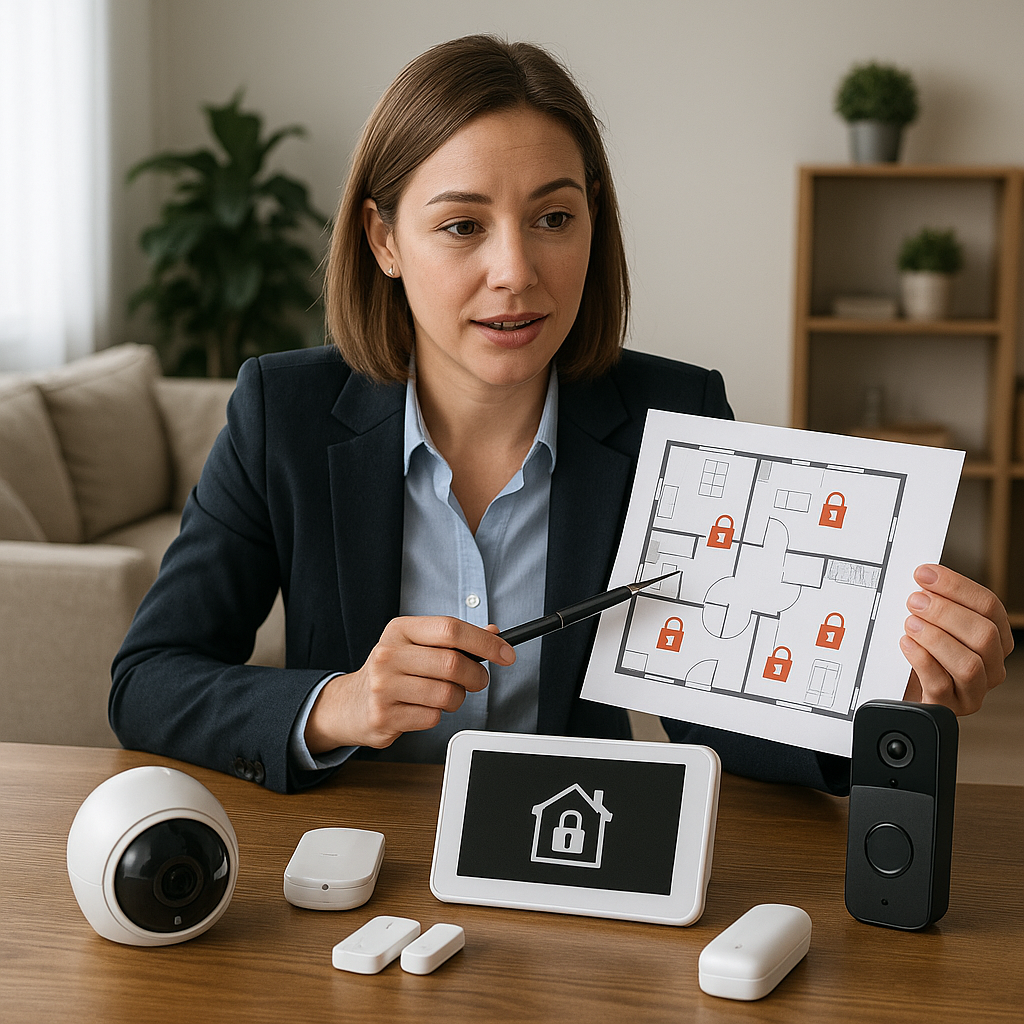
Why Family Home Security Needs a Fresh Approach in 2026
Smart devices and advanced connectivity have expanded both convenience and risk at home. A simple lock and alarm system is no longer enough; effective security now means protecting both digital and physical access points. Neglecting updates or skipping network safety may leave gaps criminals can exploit. The following guide brings together best practices from national security, university, and industry experts to help families organize practical, defendable home security routines for 2026 and beyond (NSA Best Practices for Securing Your Home Network).
The Core Components of Family Home Security
- Securing your home Wi-Fi with strong encryption and passwords
- Keeping devices and software updated to patch vulnerabilities
- Adopting good password habits and teaching them to all family members
- Protecting physical entry points with locks and connected alarms
- Minimizing exposure by using only necessary devices and accounts
Step-by-Step Security Actions
1. Secure Your Home Wi-Fi Network
Your Wi-Fi router is often the main door into your digital life. Follow these actions:
- Change the default Wi-Fi network name (SSID) and admin password
- Enable WPA3 encryption if available; use WPA2 if not (NSA Home Network Security)
- Update router firmware regularly through its web interface
- Turn off remote (WAN) management unless absolutely needed
2. Update and Patch All Devices
Security flaws in outdated software provide easy targets for attackers. Make it routine to:
- Enable automatic updates on computers, phones, smart speakers, and home security hubs
- Remove or reset devices you no longer use
- Regularly check for firmware updates on home security cameras and smart doorbells (Chapman Information Security Best Practices)
3. Strengthen Passwords and Use Multi-Factor Authentication
- Create unique, long passwords for each account or device
- Use a password manager to keep them organized (do not write them on paper in public areas)
- Enable multi-factor authentication (MFA) wherever possible, especially for family email and important smart devices
4. Teach Safe Habits to All Family Members
Children, teens, and adults all need to understand the basics of family home security:
- Recognize phishing attempts—in email, text, or device notifications
- Avoid using unknown public Wi-Fi for home system access or sensitive work
- Physically lock doors and windows; don’t prop open smart locks for convenience
- Log out of unused accounts on shared devices
Checklist: Organizing Home Security Tasks
| Task | How Often | Responsible |
|---|---|---|
| Update router firmware | Quarterly | Parent/Guardian |
| Check software/device updates | Monthly | All adults/teens |
| Review passwords and MFA | Twice a year | All account holders |
| Teach/refresh security basics | Annually and for new devices | All family |
| Audit unused devices/accounts | Every 6 months | Adults/teens |
| Test alarms & locks | Twice a year | Parent/Guardian |
Worked Example: Building a Family Security Plan
Illustrative example (assumptions: family of four, basic set of smart home devices):
- Day 1: Parent logs into the router, changes default password and updates firmware. Enables WPA3.
- Day 2: Each family member downloads pending software updates on devices. They remove unused guest accounts from the home computer.
- Day 3: Parent leads a session to review phishing emails with children. Everyone updates their device passwords using a password manager and enables multi-factor authentication on family email accounts.
- Day 4: The family physically checks all window and door locks, tests the alarm, and safely stores old, unused devices.
- Ongoing (monthly): Family reviews a checklist and updates devices as needed.
This step-by-step approach establishes defendable habits, making security part of regular family life. Adjust steps based on your household’s size, devices, and needs.
Common Security Mistakes to Avoid
- Ignoring software or firmware updates for devices and routers
- Reusing the same password for multiple accounts
- Leaving devices accessible with no screen lock or PIN
- Only adults handling security; children and teens need training too
Following these guidelines can reduce exposure to most common threats identified by experts (UC Berkeley Secure Telecommuting).
When to Get Extra Help
Consider professional support if your home includes high-value items, unique risks (such as home-based work with sensitive data), or if you struggle to update or manage devices. Security consultants or managed service providers can help set up advanced defenses.
Further Resources
- AI-Powered Innovations in Home Security
- Why Most Smart Home Security Fails (And What Actually Works)
- Risks of AI Systems in Home Security
Next step: Print the checklist above and schedule your first home security audit. Involve everyone—it’s the best way to build lifelong security skills.