
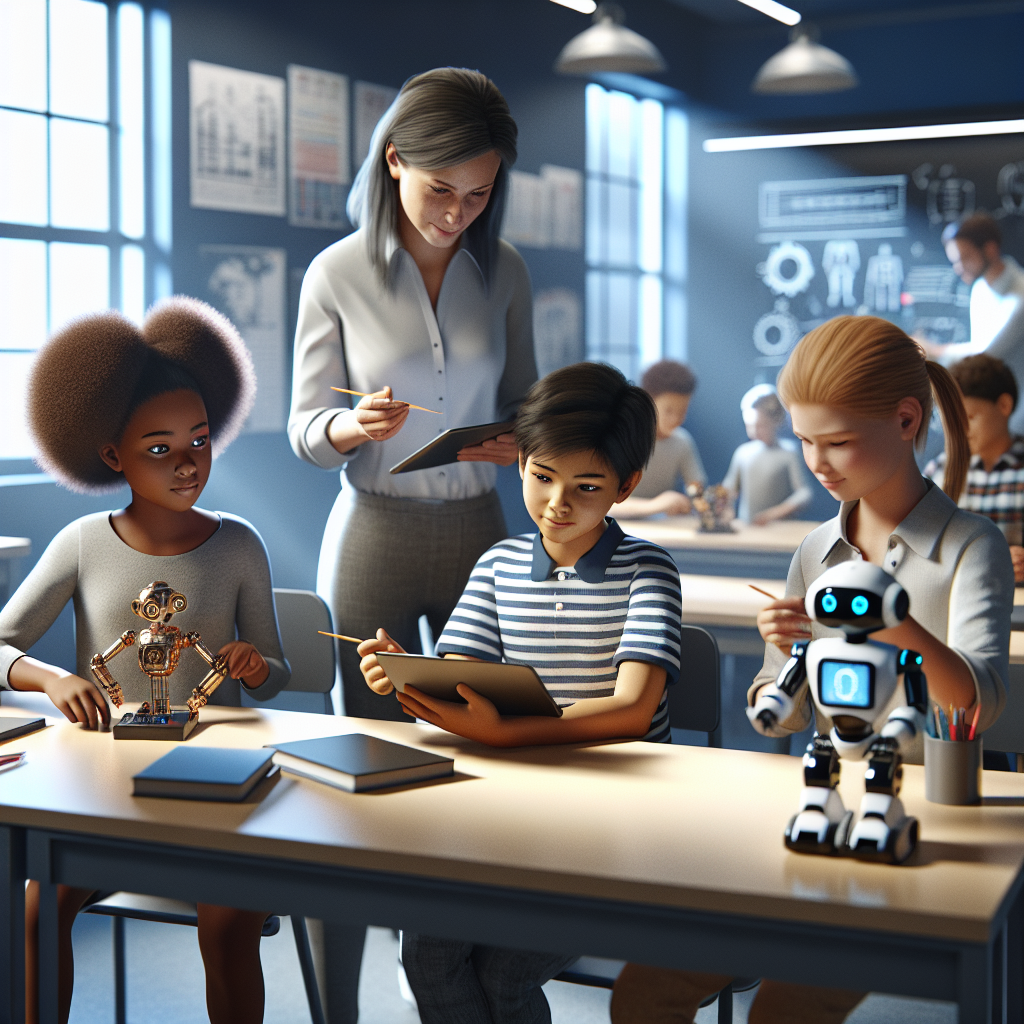
To engage kids with AI tools, select activities that spark curiosity, encourage participation, and clearly connect AI functions to the real world. Successful use of AI in education centers human creativity and oversight, making lessons interactive without diminishing the teacher’s presence. Clear communication, safety, and thoughtful integration help AI transform dull content into dynamic exploration.
Why Engage Kids With AI Tools?
AI tools offer new ways for students to explore topics through hands-on projects, dynamic conversations, and creative experimentation. These tools, when used intentionally, can support lesson goals, personalize learning, and build students’ digital literacy. The goal is to complement—not replace—human teaching (University of South Carolina).
Key Steps To Make AI Lessons Lively
- Start with a clear purpose: Identify what you want students to learn—AI is a tool, not the lesson itself.
- Explain how AI fits in: Let students know why you’re using AI and what it can (and can’t) do in your classroom.
- Choose age-appropriate, safe platforms: Opt for education-focused AI tools that prioritize student safety and privacy (California Department of Education).
- Encourage human creativity: Use AI to generate prompts, questions, or ideas—then have students discuss, analyze, or build on them together.
- Highlight ethical use: Teach students about the role, limits, and ethics of AI—help them question and critique AI-driven outputs.
Checklist: Setting Up Engaging AI Learning Experiences
| Step | Action | Considerations |
|---|---|---|
| 1. Identify Lesson Goals | Clarify the learning outcome AI will support | Focus on skills or concepts, not just technology use |
| 2. Select the AI Tool | Choose an age-appropriate, reputable tool | Check privacy, data use, and teacher controls |
| 3. Introduce AI’s Role | Explain what AI will do in the lesson | Set expectations; answer questions |
| 4. Guide a Hands-On Task | Use AI to brainstorm, create, or simulate | Keep tasks interactive |
| 5. Reflect Together | Discuss choices, process, and outcomes | Highlight human decision-making |
| 6. Address Challenges | Talk through limits, errors, or surprises | Model troubleshooting and critical thinking |
Deciding Which AI Activities Suit Your Classroom
Not every AI application fits every lesson or group. When choosing activities, consider these criteria:
- Age and subject relevance: Is the AI tool designed for your students’ level and aligned with your subject?
- Safety and privacy controls: Does the tool give you oversight and protect student data?
- Interactivity: Can students actively participate, ask questions, or create with the AI?
- Accessibility: Is the tool usable for all students?
- Ethical transparency: Are students informed about how and why AI supports the activity?
(Minnesota Department of Education) recommends these checks to ensure AI supports fairness, safety, and effective learning.
Illustrative Example: Brainstorming Story Ideas With an AI Chatbot
Assumptions: A teacher wants students (ages 10–12) to write creative stories with the help of an AI chatbot designed for children’s education.
- The teacher selects a chatbot that filters responses for safety, gives sample prompts, and allows teacher monitoring.
- Students are told, “This AI can suggest story themes and characters, but you shape the story and check the ideas.”
- Each student receives three starter ideas from the AI, discusses them in small groups, and chooses one to develop.
- After writing, the class reflects on which ideas seemed most fun or useful, and discusses anything odd the AI suggested.
This process keeps students in charge, encourages creativity, clarifies the AI’s support role, and offers a chance to practice critical thinking about technology.
Tips to Keep Kids Engaged, Not Just Occupied
- Prioritize interactive learning: AI should spark discussion or collaboration—not just deliver answers.
- Give students agency: Let them guide the inquiry, challenge the AI, or adapt its suggestions.
- Frame limitations: Talk openly about when AI output misses the mark or feels generic.
- Check for equity: Make sure activities work for all students, not just those comfortable with tech.
Common Pitfalls and How to Avoid Them
- Over-relying on AI: Always keep human interaction and reflection central to the activity.
- Skipping clear policies: Be transparent with students and parents about AI use and data privacy rules.
- Neglecting critical discussion: Use surprises or errors as teaching moments, not frustrations.
For deeper insight, see our related guide on Common Mistakes Parents Make With AI Tools for Kids.
Final Checklist: Planning Your Next AI-Enhanced Lesson
- What is the learning goal for this lesson?
- Does the AI tool protect student privacy and allow teacher control?
- How will you introduce and explain AI’s role to students?
- What reflective questions will you ask at the end?
- How will you share policies and outcomes with parents if needed?
For more on choosing wisely, visit How to Choose AI Tools for Kids Education: A Practical Guide.
Next Step
Pick one upcoming lesson and use the checklist above to plan an interactive AI activity. Ensure your chosen tool is safe and supports learning, then gather feedback from students after the lesson to improve future activities.


Pingback: AI tools for kids education: A Practical Guide