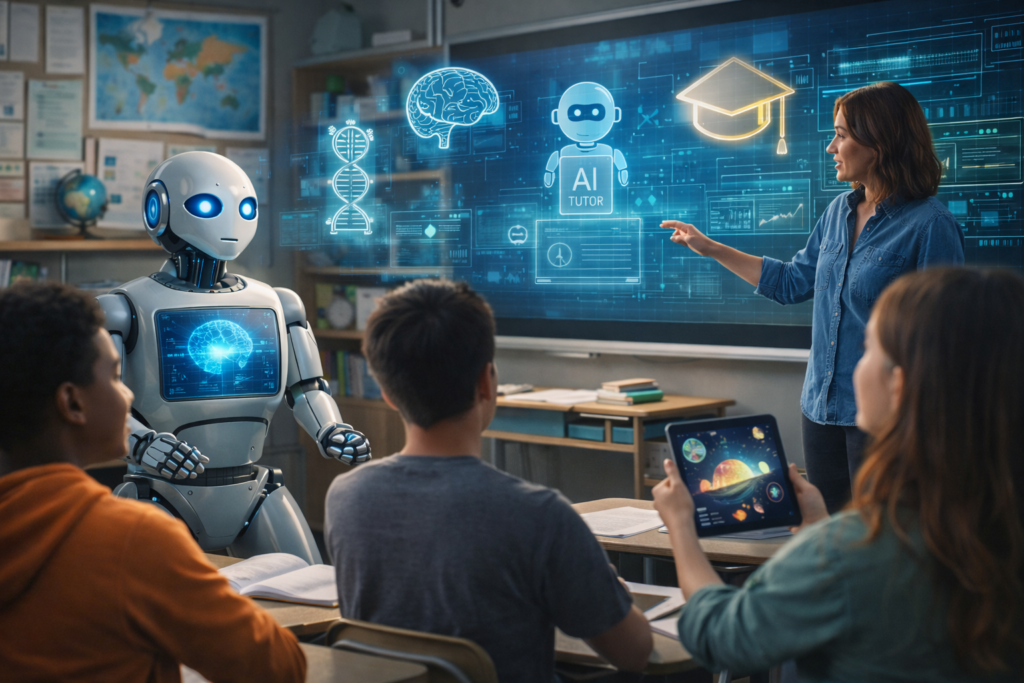
Short answer: AI-driven family experiences is a ready-to-use list of ten interactive activities and a compact planning checklist you can use to book or run family sessions (home, park, museum, or VR). The outcome: a prioritized list and a one-page run plan so you can schedule, outfit and test each activity in 30–90 minutes.
Scope & prerequisites
This guide covers planning and running 10 suggested AI-driven family experiences (ideas, a one-page plan, safety and success checks). It does not presuppose a single device brand or a public venue booking flow. Expect to arrange hardware (VR headset, smartphone/tablet, AR-enabled device or simple speakers), check venue availability and get parental consent. Where research exists, claims are noted and linked.
The 10 experiences (brief)
- Adaptive VR adventures (guided learning with adjustable difficulty)
- Emotion-aware AR museum tours (exhibit reactions shape prompts)
- AI-personalized theme-park walklists or ride suggestions
- AI-assisted nature walks with contextual prompts
- Customized family game nights (dynamic rules and difficulty)
- Adaptive educational field trips with realtime prompts
- Personalized movie-night curator (shortlist + runtime plan)
- Interactive branching storytelling sessions (family choices change plots)
- Smart cooking classes (stepwise prompts and timing cues)
- AI-designed treasure hunts with geofenced clues
Research support: adaptive VR learning and personalized demonstrations show improved engagement and personalization in lab studies (Lau et al., arXiv 2411.18438). Personalization via VR demonstrations has been shown to transfer learned preferences into real robot behavior in research contexts (de Heuvel et al., arXiv 2203.14741). Emotion-adaptive AR experiences for museums are a documented area of research in affective computing (IEEE: The Museum That Feels).
One-page practical plan (steps)
- Pick 1–2 experiences to try this month (pick one evidence-backed: Adaptive VR or museum AR). Expected output: chosen activities and date. Time: 10 minutes.
- Check availability and hardware. Input: venue or device names; Output: confirmed booking or device list. Time: 15–30 minutes.
- Create a one-page run sheet per activity: start time, duration, roles (adult/child), safety notes and a single success metric (engagement, completed tasks). Expected output: one-page run sheet per activity.
- Set adaptivity target. For adaptive VR choose moderate adaptivity where available (research shows moderate adaptivity often improves focused engagement). Expected output: chosen adaptivity setting or prompt scripts (see study).
- Quick test: run a 5–10 minute demo with one adult and one child. Output: notes on comfort, motion-sickness, audio levels and one tweak to the run sheet.
- Run the full activity, record a short family feedback note (2–3 lines per participant). Output: family feedback captured.
- Debrief and iterate: decide keep/change or scale to larger group. Output: final rating and next-date decision.
Planning worksheet: pick and prepare an AI-driven family activity (Hypothetical inputs)
Hypothetical inputs labeled. Use this to pick gear, time and expected outputs for a single session.
| Activity (Hypothetical) | Location | Gear & Time | Expected output |
|---|---|---|---|
| Adaptive VR pizza class (Hypothetical) | Home/VR room | VR headset, 45–60 min | Learn 3 steps, 1 family video |
| Emotion-aware AR tour (Hypothetical) | Museum | AR-capable tablet, 60 min | 2 favored exhibits identified |
| AI game night (Hypothetical) | Living room | Tablet + speakers, 45 min | 3 adaptive rounds completed |
| Smart nature walk (Hypothetical) | Local park | Phone, 30–45 min | 5 species ID prompts |
| Interactive story session (Hypothetical) | Home or car | Tablet, 30 min | Branch chosen, recorded decisions |
| AI treasure hunt (Hypothetical) | Outdoor/park | Phones, 40–60 min | All clues solved, 1 map copy |
How to check success (quick tests)
- Engagement metric: at least 70% of planned duration active participation (watch for attention, verbal responses).
- Comfort & safety: no unresolved motion-sickness, no device overheating, children supervised for duration.
- Usability: run sheet followed with fewer than two mid-session interruptions for setup fixes.
Common failure cases and fixes
- Failure: headset or app won’t run. Fix: try a 5-minute demo mode or fallback non-VR activity; check power and app updates before session.
- Failure: adaptive content is too hard or too slow. Fix: reduce adaptivity level or switch to a non-adaptive baseline; run the short demo to calibrate.
- Failure: emotional prompts misfire in public museum. Fix: pause adaptive features, use pre-built tour modes or ask staff for a quieter route.
- Failure: privacy concerns with personalization. Fix: disable data-sharing features, use local-only profiles and delete session traces after the event.
Evidence & limits
The specific effectiveness claims are limited to controlled research cited: adaptive Gen-AI in VR shows stronger engagement at moderate adaptivity in lab conditions (arXiv 2411.18438); VR demonstrations can communicate user preferences into robot controllers in research settings (arXiv 2203.14741); affective AR for museums is explored in conference literature (IEEE).
Next action: choose one activity from the list, draft the one-page run sheet using the asset below, and run the five-minute demo this week.